Local AI at Home: Running an LLM on Your Own Computer

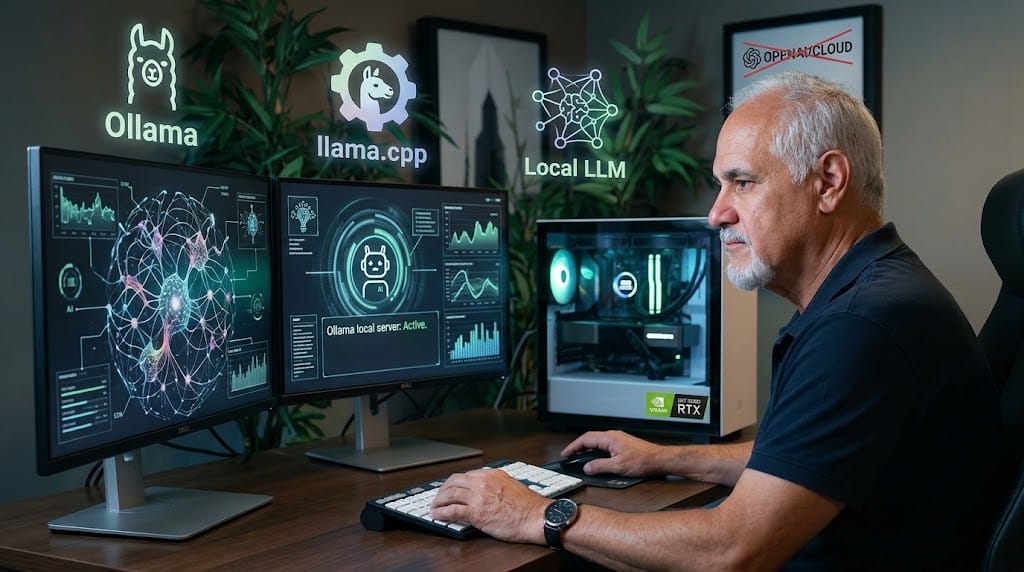
You don't need a cloud subscription to use AI. With the right hardware, a capable language model runs entirely on your own machine — private, fast and free.
What you need
- A GPU with 32GB+ VRAM (or a Mac with 32 of GB unified memory)
- Ollama or llama.cpp to serve the model
- gemma-4-26B-A4B-it-QAT-MLX-4bit model for everyday tasks
- Qwen3.5-9B-MLX-4bit
Why go local
Privacy, no subscription, and it works offline. The trade-off: smaller models than the big cloud ones — but for drafting, coding help and home automation, they are remarkably capable.
No Cloud Required: Running a Private AI "Brain" in Your Florida Home
Imagine a useful, knowledgeable digital assistant, much like ChatGPT, that doesn't belong to a tech giant and doesn't need an internet connection to work. Imagine this assistant doesn't share your conversations with anyone, and it costs you nothing to use, 24 hours a day.
This isn't science fiction. It’s Local AI at Home.
By running a Large Language Model (LLM) on your own computer, you gain total privacy, eliminate subscriptions, and ensure your assistant works whether you are online or offline. While these local models may not know as much as the massive, cloud-based giants, they have become remarkably capable for daily tasks.
Here is how you can set up your own digital assistant, using the real-world examples I've implemented in my own workspace.
The Foundation: What You Need (Hardware)
To run a "smart brain" effectively, your computer needs power, specifically in its graphics card. The key specification is VRAM (Video Memory).
- Windows/Linux PC: A graphics processing unit (GPU) with 8GB or more VRAM. (The popular NVIDIA RTX 3060 or better).
- Mac Users: An Apple Silicon Mac (M1, M2, M3 chip) with at least 16GB of Unified Memory or more.
Why do we need this? Think of VRAM as the desk space the AI uses to work. If the desk is too small, the AI must constantly look things up in a filing cabinet (slower storage), grinding your system to a halt.
The Tools: Running the Model
We need software that acts as the engine, translating the "brain" (the LLM) into a usable chat interface. Two powerful, free options stand out:
- llama.cpp: The core technology that allows these models to run efficiently on standard consumer hardware.
- Ollama: A user-friendly tool that runs entirely on your machine. It makes downloading and serving different AI models as simple as a single command. It runs quietly in the background, ready when you are.
- oMLX for MACs arm processors series M
Everyday Examples: Local AI in Action
To show you how capable a small, local model can be (like a 7B or 13B parameter model), here are examples of how I use my local setup:
MAC mini M4 pro. 24 Gb, 500 Gb ssd running oMLX app, with
model : Qwen3.5-9B-MLX-4bit
try it : 46 Tokens/sec
enough for local tasks with Pi or Claude
I covers most of my local needs. efficiently, avoid running other apps while using local AI , you need the most memory availabe for the AI
1. The Dynamic Writing Assistant
I use a local model to review my own drafted reports. I can paste a paragraph and ask: "Please check this for grammatical errors and suggest a more professional tone." The AI responds immediately, suggesting improvements. I don't need to send my unfinished work to a cloud server; the analysis happens and stays right on my desk.
2. The Coding Copilot
When working on my SaaS project, Galeno Tech, I often need help with a complex coding logic or to quickly understand an error. My local AI acts as a pair programmer. I can paste a Python function and ask: "How can I improve this SQLite query for better performance?" It analyzes the code and provides an optimized version instantly.
3. Private Summarization
I use my local assistant to summarize large technical articles. I can paste thousands of words of text and ask: "What are the key takeaways from this article regarding AI local automation?" It generates a concise summary, allowing me to grasp the main points without reading the entire document first.
4. Your Local Expert
If I am researching a general topic, like "What are the common challenges of running a biomedical engineering startup?", my local model draws on its massive pre-trained knowledge base to provide a structured, helpful overview, organized just as I asked.
The Verdict
For privacy-conscious professionals, developers, or anyone who wants a reliable digital assistant that is fast, free, and completely under their control, Local AI at Home is the answer. It requires a modest investment in hardware, but the payoff—total digital independence—is invaluable.
Dr. Jose A. Cisneros, Ph.D
a senior geek